

Startup Operations
The Founder Access Map: Stop One Inbox From Owning the Company
A practical access-ownership system for company email, domains, cloud, source code, banking, billing, app stores, MFA, recovery, and founder offboarding.
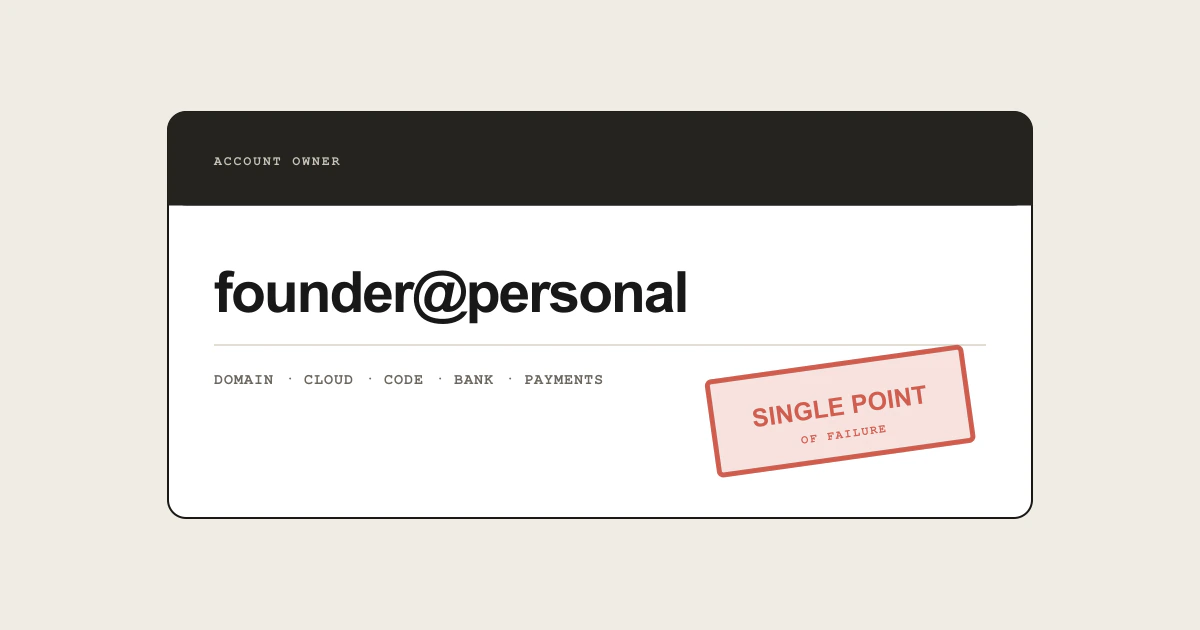
Early companies often run through one founder’s inbox. That address owns the domain registrar, cloud root account, code organization, payment provider, analytics, app stores, support desk, and social accounts. It feels efficient until the founder loses a phone, leaves the company, becomes unavailable, or the inbox itself is compromised.
The solution is not shared passwords. It is an access map that makes legal ownership, daily access, recovery, and backup administration explicit for every critical service.
Inventory what can stop the company
Start with systems whose loss would prevent the company from operating or recovering:
- domain registrar, DNS, and certificate services;
- primary email and identity provider;
- source-code organization and deployment platform;
- cloud providers and production database;
- bank, payment processor, merchant of record, and accounting;
- password manager and secret store;
- Apple, Google, or other app-store accounts;
- customer support, CRM, and status page;
- legal filing portals, registered agent, and tax accounts;
- social profiles and advertising accounts.
For each service, record legal account owner, contract entity, login method, primary and backup administrators, MFA devices, recovery channel, billing source, data-export method, renewal date, and offboarding steps. Store the map in a company-controlled system with an offline recovery copy, not in a personal note.
Separate legal ownership from daily identity
Use the company’s legal name, address, and payment method for company services where possible. Give people individual accounts and roles for daily work. Do not make five engineers share admin@example.com and one TOTP seed; shared activity is difficult to attribute and difficult to revoke cleanly.
Role-based company email addresses are useful for stable ownership and notifications: domains@, billing@, or security@. They should deliver to more than one authorized person and have a documented external recovery path. Be careful with circular ownership: if the company email provider controls the registrar and the registrar controls the email domain, an email outage can block the recovery message needed to fix the outage.
AWS’s root-user best practices recommend using a business-managed group email for the root user, enabling multiple MFA devices, avoiding root access keys, using everyday administrative identities instead of root, and maintaining current alternate contacts. That pattern generalizes beyond AWS: stable company ownership at the top, individual traceable access underneath.
Create at least two independent administrators
Every critical account should have a primary owner and a tested backup who is a different person. Where the platform supports it, create separate administrator accounts instead of sharing one credential.
Google’s administrator best practices recommend more than one super administrator, separate administrator and daily-use accounts, no shared administrator accounts, and strong MFA such as security keys. The backup must be capable, not honorary: verify that they can access billing, change roles, open support, and start recovery without the primary founder.
Limit standing super-administrator access. Daily accounts should have the minimum roles required. High-impact actions—changing domain ownership, deleting production, exporting all customer data, or changing payout details—deserve reauthentication, alerts, and sometimes approval by a second person.
Make MFA resilient without making it weak
One phone is not a recovery plan. Prefer phishing-resistant security keys or passkeys where supported, enroll more than one protected device for critical accounts, and store single-use recovery codes in the company password manager plus a controlled offline copy.
The backup factors should not all live in the same bag, office, cloud account, or password vault. Independence matters. If the password manager requires company email and company email requires a password-manager credential, test the break-glass route that escapes the loop.
Record who physically controls each security key, when it was last tested, and how it is returned during offboarding. Never photograph recovery codes into a shared chat. Treat factor replacement and recovery-code viewing as audited events.
Protect the domain and identity provider first
The domain and primary identity system are recovery roots for many other accounts. Apply the strongest controls there:
- registrar lock and registry lock if risk justifies it;
- auto-renew with a current company payment method;
- more than one renewal notification route;
- restricted DNS roles and change logging;
- separate daily and super-admin accounts;
- phishing-resistant MFA;
- an external recovery email not hosted on the same domain;
- saved support and ownership-verification procedures.
Monitor nameserver, DNSSEC, MX, and registrar-status changes. A homepage uptime check will not tell you that the domain transfer email went to an old founder.
Build a deliberate break-glass path
A break-glass account exists for exceptional recovery, not convenience. It should have a strong unique credential, multiple protected factors, tightly controlled access, and immediate alerts whenever used. Document when its use is allowed and what must happen afterward: rotate secrets, review activity, close the incident, and reseal recovery materials.
Test one scenario every quarter. Assume the primary founder’s phone and laptop are unavailable. Can the backup administrator:
- access the company password manager;
- enter the email administration console;
- verify control of the registrar and DNS;
- reach the cloud and deployment systems;
- communicate with customers through an independent channel?
A successful test should not require reading the primary founder’s personal email or receiving their personal SMS.
Offboard people and providers as a workflow
When a founder, employee, or agency leaves, do more than disable an email account. Transfer service ownership, repositories, domains, app listings, API credentials, phone numbers, documents, and billing contacts. Revoke sessions and personal access tokens. Rotate shared secrets that could have been copied. Update registered contacts and remove personal payment methods.
Preserve business records according to policy, but do not keep the departed person’s account active as a permanent archive. Convert ownership first, then suspend access. For a founder departure, have counsel align technical changes with corporate authority and signed agreements.
Run a provider exit review too. Confirm that the company can export data, move domains or numbers, and recover without a vendor-specific inbox or identity.
The monthly access review
For a small company, 30 minutes is enough to ask:
- Which critical service has only one administrator?
- Which login or recovery route uses a personal email or phone?
- Which MFA device has not been tested?
- Which old contractor, token, application, or OAuth grant still has access?
- Which renewal card or ownership record is outdated?
- Can the company export its essential data today?
Assign every gap an owner and date. Access maps decay as quickly as the services they describe.
Next steps
Inventory the domain, email, cloud, code, bank, and payment accounts first. Give each a legal owner, individual daily administrators, a different backup administrator, two recovery factors, and a tested exit route. Then run the unavailable-founder exercise.
The goal is not to remove founders from control. It is to ensure the company remains controllable when a founder cannot click the recovery link.